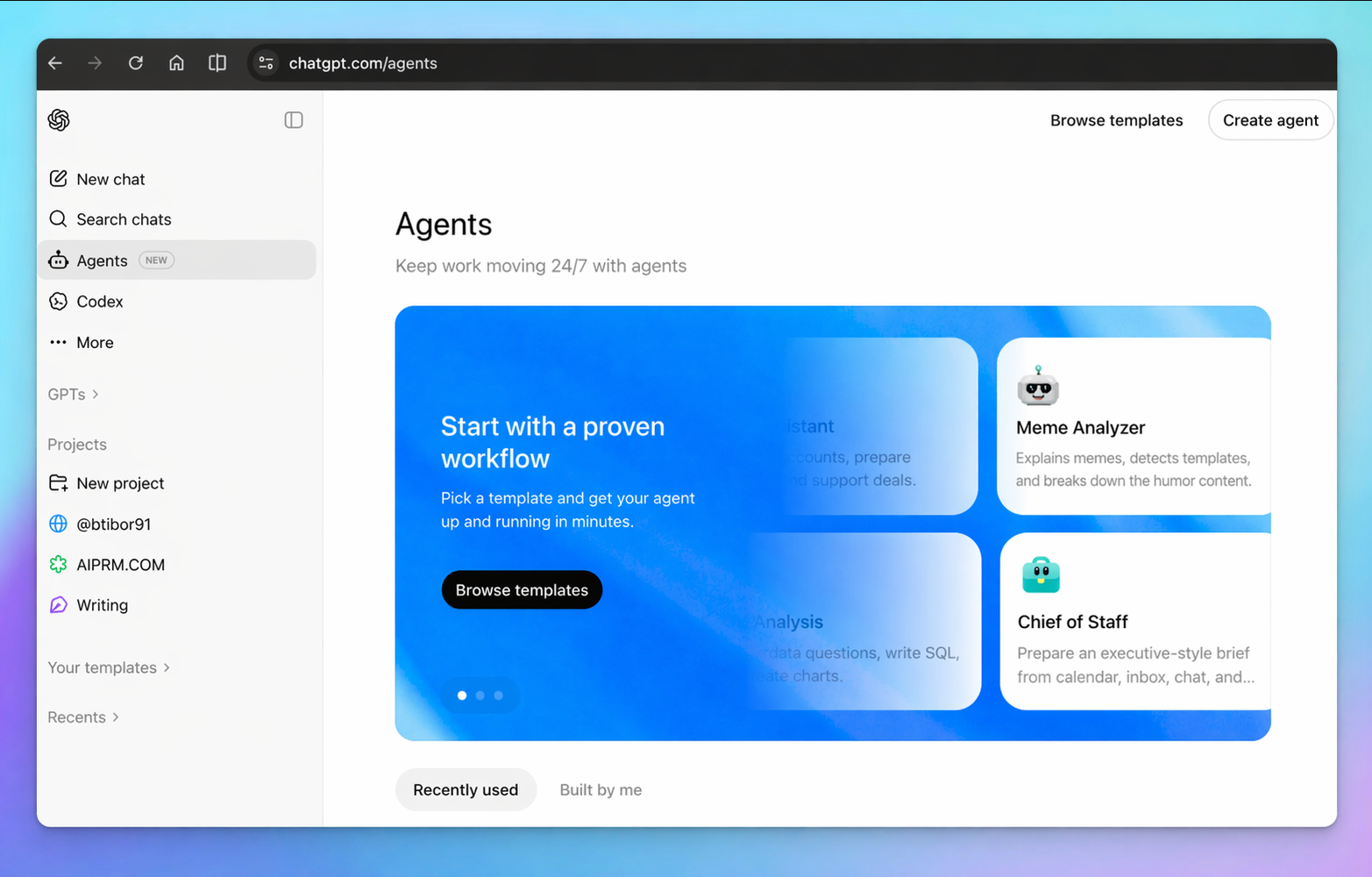
OpenAI is making a major push into the agentic AI space with the rollout of Agents in ChatGPT — an ambitious new platform internally codenamed Hermes — that transforms ChatGPT from a conversational assistant into a full-blown autonomous workflow engine. The update, currently being prepared for broader release, introduces an Agents Studio, pre-built templates, scheduling capabilities, Slack integration, and a rich set of customization tools that let users build agents tailored to their specific needs.
The move signals OpenAI's intent to compete directly with enterprise automation platforms, positioning ChatGPT not just as a place to ask questions, but as a tool that can keep work moving 24/7 — even when you're not at your desk.
What Are ChatGPT Agents?
At their core, ChatGPT Agents are autonomous AI workflows that users can define, configure, and deploy to handle recurring tasks without constant human input. Think of them as programmable AI coworkers — capable of answering Slack messages, processing information, summarizing documents, or running scheduled reports — all on their own, based on instructions you set in advance.
OpenAI describes the vision plainly: "Keep work moving 24/7 with agents." The platform is designed to be accessible to non-technical users while still offering enough depth for power users and teams who want granular control over agent behavior.
The Agents Studio: Build From Scratch or Start From a Template
The centerpiece of the new Agents experience is the Agents Studio — a dedicated interface at chatgpt.com/agents where users can browse, create, and manage their agents. The Studio offers two main paths for getting started:
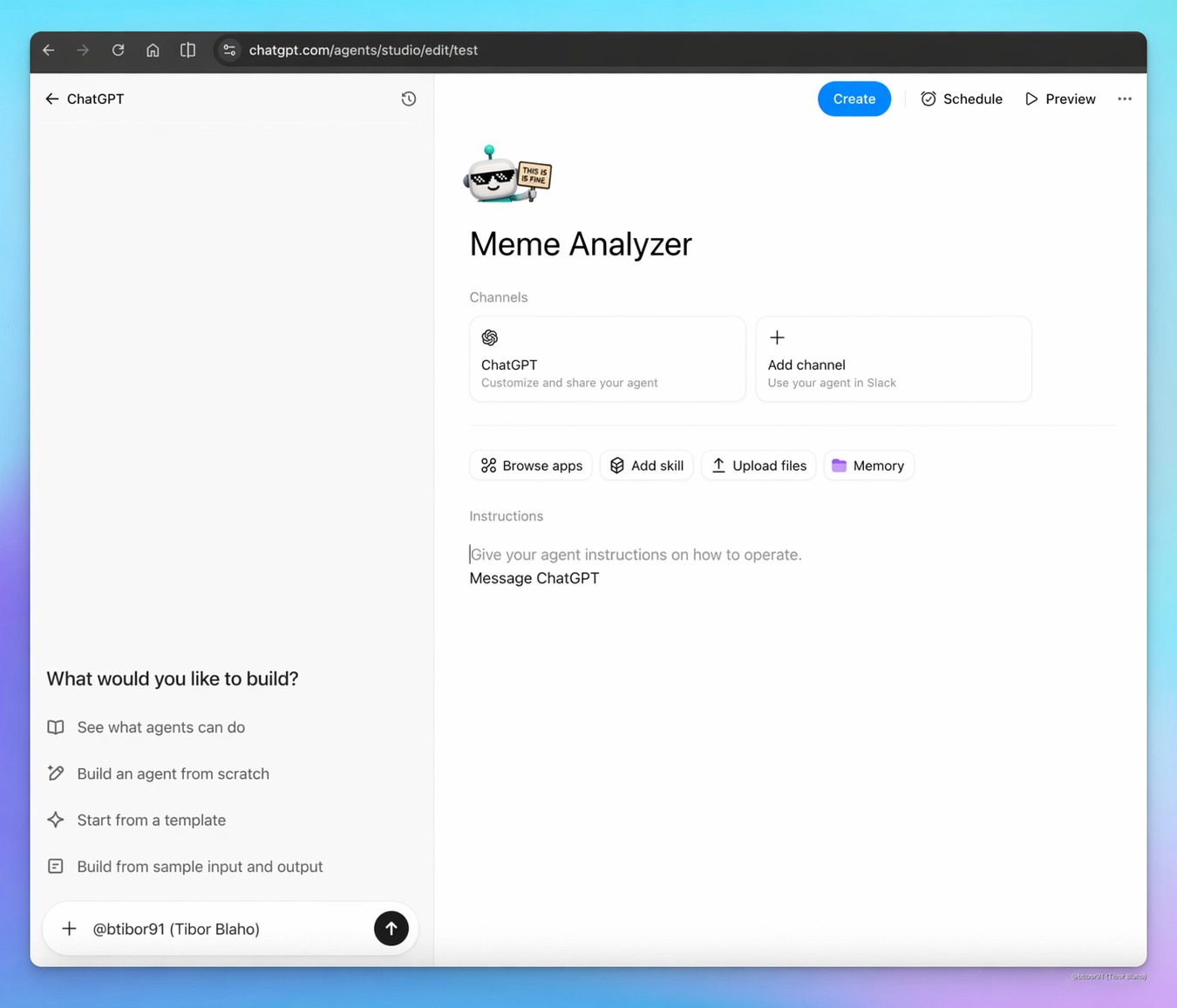
- Start from a template — OpenAI is launching with a library of pre-built agent templates covering common workflows, including Team chat Q&A, Morning planner, Bug triage, Data analysis, Sales assistant, SQL query runner, and more. Each template comes pre-configured with relevant tools and a suggested set of instructions so users can get up and running in minutes.
- Build from scratch — For those with specific needs, the Studio allows fully custom agent creation, where users define the agent's name, avatar, instructions, connected tools, skills, and memory settings from the ground up.
OpenAI's pitch for templates is direct: "Start with a proven workflow — Pick a template and get your agent up and running in minutes."
Customization: Tools, Skills, Files, and Memory
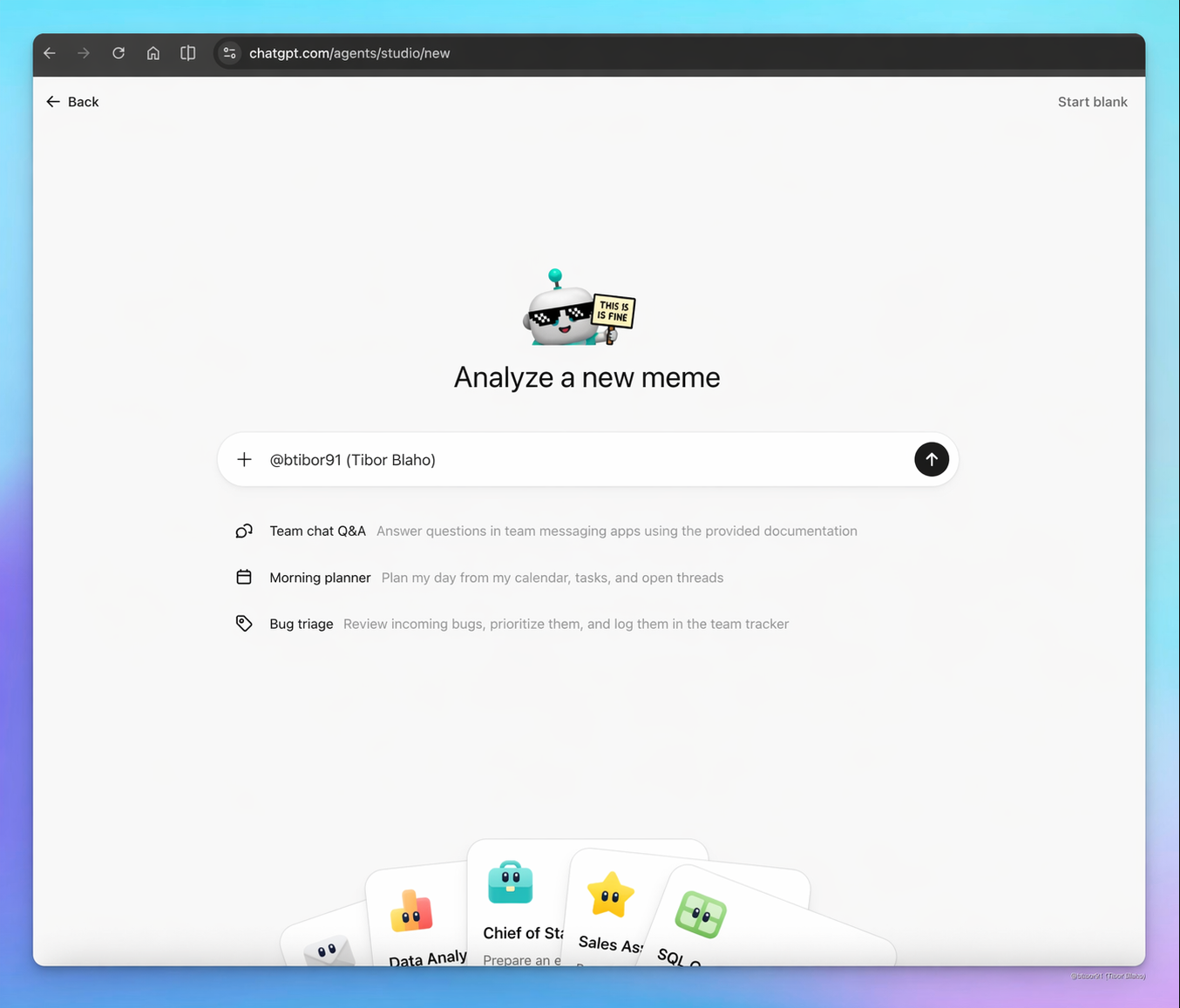
Once inside the Studio editor, users have access to a rich set of customization options that go well beyond anything previously available in ChatGPT. Each agent can be configured with:
- Browse apps — Connect your agent to external services and data sources
- Add skills — Attach specialized capabilities to extend what your agent can do
- Upload files — Give your agent access to documents, spreadsheets, and reference materials it can draw on when responding
- Memory — Enable persistent memory so the agent retains context across interactions
- Instructions — Write natural-language instructions that define the agent's behavior, tone, and scope
The combination of these tools means agents can be made highly specific — a customer support agent that knows your product documentation, a morning briefing agent that knows your schedule and priorities, or a code review agent that understands your team's standards.
Slack Integration: Agents That Reply Without You
One of the most practically significant features of the Agents rollout is native Slack integration. Users can add their agents directly to Slack channels, allowing the agent to monitor conversations and respond to questions autonomously — without the user needing to be present or manually intervene.
OpenAI describes the use case this way: "Build agents that reply in Slack — Add agents to Slack to handle common questions, without the back-and-forth or manual digging."
This has clear implications for team environments where common questions get asked repeatedly — onboarding queries, policy lookups, product FAQs, or status updates — all things an agent with the right files and instructions could handle reliably without human intervention.
Scheduling: Agents That Run on Their Own
Beyond reactive agents that respond to messages, OpenAI is also introducing scheduled agents — automations that run at defined times without any trigger from the user. This enables use cases like:
- A morning briefing agent that compiles a summary of overnight news, emails, and calendar events every day at 7 AM
- A weekly report agent that pulls together key metrics and sends a digest every Monday morning
- A monitoring agent that checks for specific conditions and alerts you when they're met
As OpenAI puts it: "Create agents tailored to how you work — Customize each agent with tools and skills, then schedule when it runs."
Also New: ImageGen Likeness Customization and Audio Summaries
Alongside the Agents rollout, OpenAI is shipping two additional features that expand ChatGPT's creative and productivity capabilities.
The first is ImageGen Likeness Customization — a new option that allows users to upload a reference photo of themselves, which ChatGPT then uses as a visual anchor when generating personalized images. The feature, which OpenAI is initially launching alongside an Images 2.0 Giveaway, means users can more reliably generate images that look like them — useful for everything from profile picture generation to creative storytelling.
The second is Audio Summary — a feature that transforms text content into spoken audio recaps in a variety of formats. OpenAI is framing this as a flexible content transformation tool with multiple output styles, including:
- A public-radio style recap — polished, journalistic audio summaries of documents or articles
- An executive briefing — concise, professional audio digests for busy decision-makers
- A study guide — structured audio reviews of learning material, designed for retention
- A podcast-style format — more conversational, long-form audio from written content
The Audio Summary feature effectively brings the functionality of AI podcast generators directly into ChatGPT, without the need for third-party tools.
A Platform Play, Not Just a Feature Drop
Taken together, the Agents platform represents one of the more significant architectural shifts in ChatGPT's history. Rather than adding individual capabilities, OpenAI is building out an entire automation layer on top of its models — one that treats ChatGPT less like an AI assistant and more like an AI operating system.
The combination of a no-code studio, flexible templates, third-party integrations, scheduling, and persistent memory means that agents built inside ChatGPT can handle multi-step, ongoing workflows across an organization — with minimal setup and no engineering required.
For users who have been waiting for AI tools that do more than respond to prompts, the Hermes update appears to be OpenAI's answer: an agents platform designed from the ground up to run in the background, handle the repetitive work, and surface results when they matter.
Whether it can match the depth and flexibility of existing enterprise automation platforms remains to be seen — but OpenAI is clearly betting that ease of use, combined with the power of its underlying models, will be enough to win users over.